
Download Game Controller Tester – game controller tester, controller diagnostics, Xbox controller testing, USB controller support, Bluetooth controller testing, gaming hardware test tool
Overview
Game Controller Tester is a specialized utility designed for users who rely on external game controllers with their Windows PC. Its primary purpose is to provide real-time diagnostics and input verification for a wide range of gaming hardware, including both USB and Bluetooth-connected devices. The app is particularly valuable for gamers troubleshooting unresponsive buttons, analog stick drift, or inconsistent trigger sensitivity.
It also serves developers and hardware testers who require a reliable method to validate controller functionality across different configurations. The tool is optimized for Xbox controllers, a dominant platform in PC gaming, ensuring precise detection and feedback for all controller-specific features such as vibration motors and button mapping. While the developer, GameDev Tools, has not disclosed additional background information, the app’s focused functionality suggests a niche-oriented development approach.
Real-world use cases include pre-gameplay checks, post-upgrade hardware validation, and quality assurance during controller calibration. In the broader app ecosystem, Game Controller Tester fills a critical gap for users who lack access to built-in diagnostic tools, offering a lightweight, dedicated solution for ensuring gaming hardware performs as expected.
Key Features & Functionality
- Automated Controller Detection: The app automatically identifies any connected game controller without requiring manual setup. This feature streamlines the testing process, especially for users managing multiple controllers, and ensures immediate feedback on device recognition.
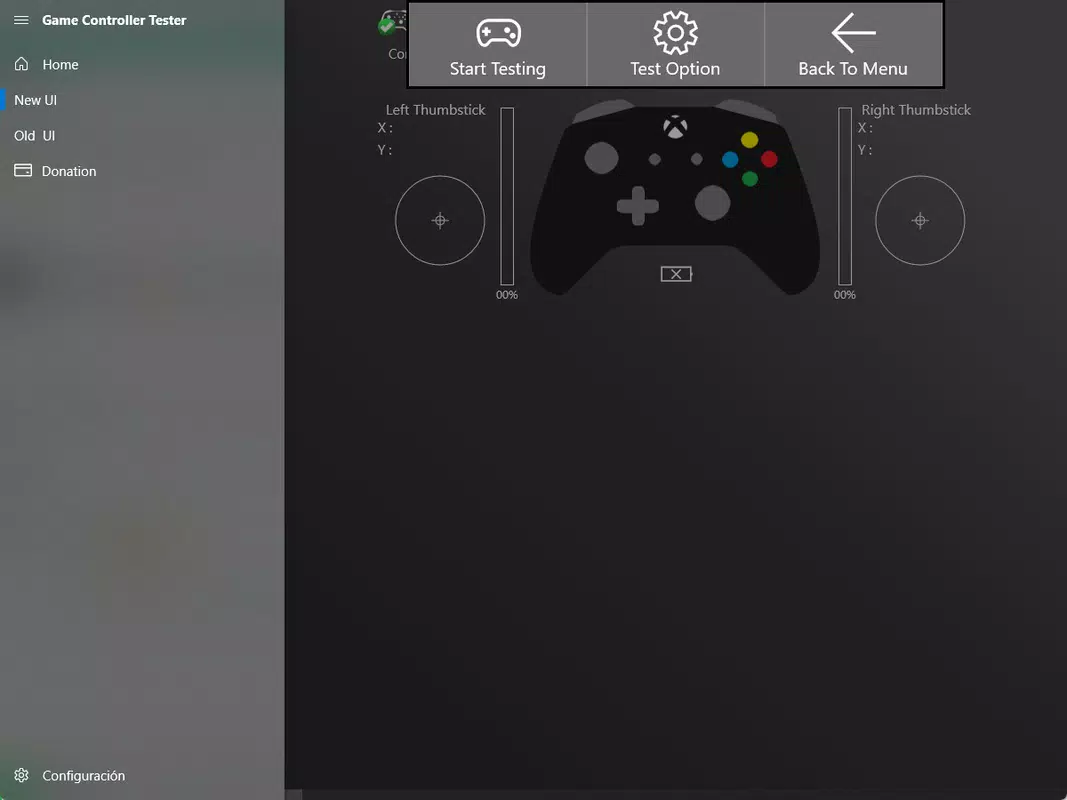
- Comprehensive Input Testing: Every button, trigger, and analog stick is monitored in real time. Visual indicators confirm input recognition, helping users identify unresponsive or delayed responses during gameplay.
- Analog Sensors & Movement Analysis: Real-time charts display analog stick sensitivity and movement range. This functionality enables users to detect drift or uneven response, common issues that affect gameplay precision.
- USB and Bluetooth Support: The tool seamlessly works with both wired and wireless controllers, supporting a broad range of devices through standard connectivity protocols.
- Optimized for Xbox Controllers: Specialized handling of Xbox-specific inputs ensures accurate testing of all features, including rumble motors, shoulder buttons, and trigger response curves.
For example, a gamer preparing for a competitive match can use the app to verify that all buttons respond correctly and that analog sticks return to center without drift. A developer testing a new controller firmware update can use the visual feedback to confirm that all inputs are properly registered across different motion ranges. These practical applications demonstrate how the app enhances both user confidence and technical validation.
Interface, UX & Performance
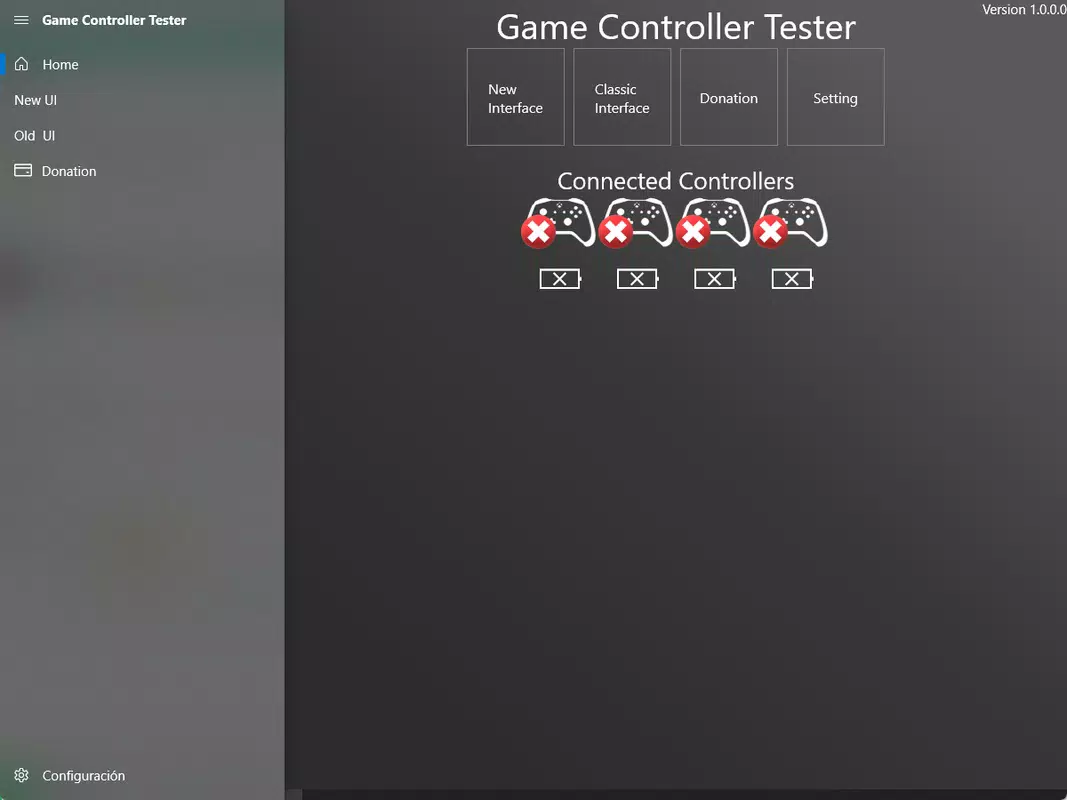
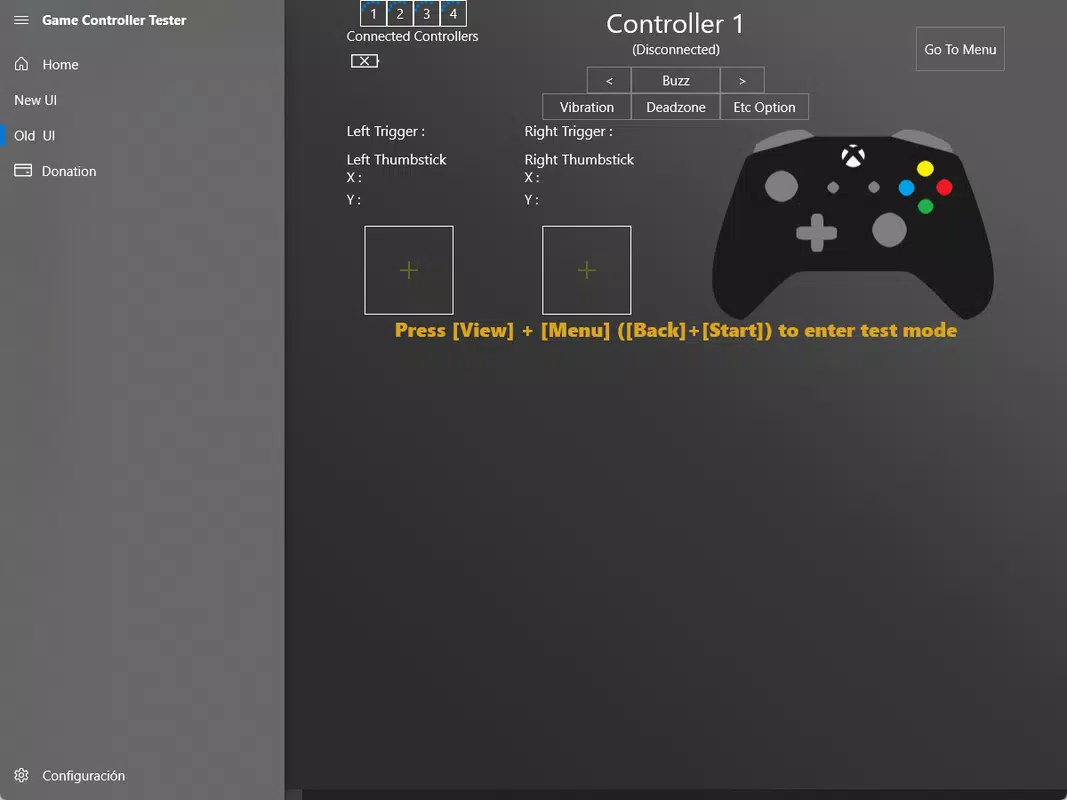
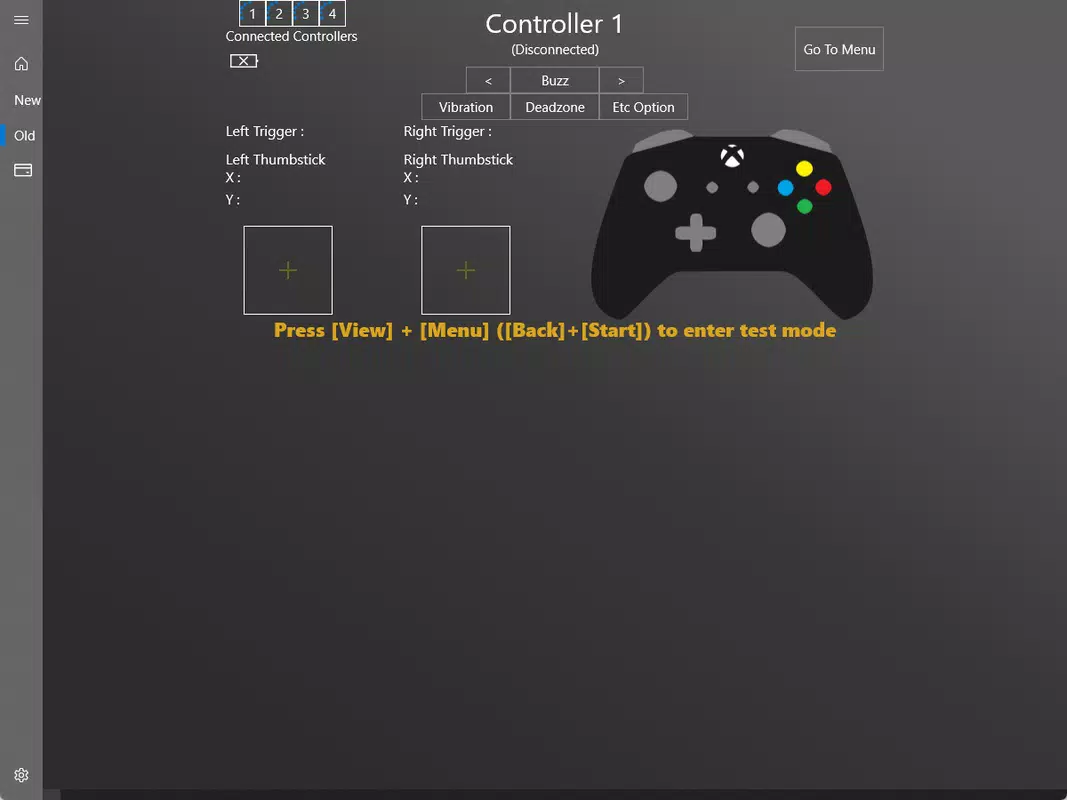
The user interface of Game Controller Tester is clean and focused, prioritizing functionality over visual complexity. The layout presents real-time input data in a clear, intuitive format, with visual indicators for buttons, triggers, and analog stick positions. Navigation is straightforward, requiring minimal user input—once a controller is connected, the app begins displaying feedback immediately.
The design emphasizes usability, making it accessible even to users with limited technical experience. Although the developer did not list formal performance metrics, the app’s lightweight size of 4.7 MB suggests efficient resource usage. It is expected to run smoothly on most modern Windows systems, with minimal impact on system performance.
Responsiveness is consistent across different device categories, including standard desktops and laptops. Stability appears reliable, as the app maintains continuous input monitoring without noticeable lag or crashes during extended use. The absence of advertisements or intrusive prompts further enhances the user experience.
Overall, the app delivers a stable, focused interaction that aligns with its diagnostic purpose.
Platform Compatibility & Technical Requirements
Game Controller Tester is designed exclusively for the Windows platform. The current version, 1.2.3, is compatible with Windows operating systems, though specific minimum OS requirements were not listed by the developer. The application file size is 4.7 MB, indicating a lightweight footprint suitable for quick installation and minimal storage impact.
Users can download and install the app without requiring additional runtime environments or system dependencies. The app supports both USB and Bluetooth connectivity, enabling testing of a wide variety of controllers. While the developer did not specify compatibility details for older or newer Windows versions, the app’s streamlined nature suggests broad compatibility with recent Windows releases.
The absence of known system requirements implies a low barrier to entry, allowing most Windows users to use the tool without configuration hurdles.
Pros and Cons
Pros
- Lightweight and fast to install, requiring minimal system resources.
- Automated detection simplifies the setup process for users.
- Real-time visual feedback enhances input verification accuracy.
- Supports both USB and Bluetooth controllers for versatile testing.
- Specifically optimized for Xbox controllers, ensuring reliable diagnostics.
Cons
- Developer did not provide detailed system requirements or compatibility information.
- Platform is limited to Windows, with no support for Android or iOS devices.
- Specific features for non-Xbox controllers were not elaborated.
- App size is small, which may raise concerns about feature completeness.
- No information on update frequency or long-term maintenance.
FAQ
Is Game Controller Tester safe to download and use?
Yes, the app is free and available from trusted sources. It does not require administrative privileges to run and operates without installing third-party components.
Can I use Game Controller Tester on Android or iOS?
No, the app is designed exclusively for Windows and is not available on mobile platforms.
Does the app support non-Xbox controllers?
Yes, the app supports a range of controllers via USB and Bluetooth, though specific details about non-Xbox devices were not provided by the developer.
How often does the app receive updates?
The developer did not disclose the update schedule. However, the current version is 1.2.3, released in September 2024.
Is Game Controller Tester free to use?
Yes, the app is available at no cost. There are no in-app purchases or subscription models.
Final Thoughts
Game Controller Tester delivers a focused, efficient solution for diagnosing game controller performance on Windows systems. Its real-time feedback, automated detection, and Xbox-specific optimizations make it a valuable tool for both casual gamers and technical users. The lightweight design ensures quick deployment without system strain, while the clean interface maintains usability across different skill levels.
Although platform support is limited to Windows and some technical details remain undisclosed, the app’s core functionality is reliable and purpose-built. For anyone experiencing controller issues or seeking to verify hardware performance, this tool offers a straightforward and effective method. Its free availability further enhances its accessibility.
Whether you're preparing for a gaming session or validating hardware before a project, Game Controller Tester provides peace of mind through immediate diagnostics.
Download Game Controller Tester now


